
Introduction
Every photo taken with your Android phone contains more than just pixels. Behind the visible image, there is hidden information known as EXIF data. This metadata may include the date the photo was taken, camera model, file details, and in many cases, GPS location coordinates.
For most users, EXIF data remains invisible. However, when photos are shared online, sent through messaging apps, or uploaded to websites, this embedded information may travel with the image.
Understanding how to remove EXIF data on Android is an important step toward stronger digital awareness and better control over personal information.
In this complete guide, you will learn:
- What EXIF data is
- What information Android photos store
- How to remove metadata before sharing
- How to disable location data for future photos
- When metadata removal makes sense
- Practical habits for safer photo sharing
Let’s begin with the basics.
What Is EXIF Data?
EXIF stands for Exchangeable Image File Format. It is a standard used by cameras and smartphones to store technical information inside image files.
When you take a photo on Android, your device may automatically store:
- Date and time
- Device model
- Camera settings
- File size and resolution
- GPS coordinates (if location is enabled)
If you are new to the concept, you may want to read our detailed explanation in What Is EXIF Data and Why Should You Care?
EXIF data is not harmful by default. It is designed to improve photo organization and editing. The key factor is awareness.
Why Remove EXIF Data on Android?
There are practical reasons someone may choose to remove metadata.
Privacy Awareness
If GPS tagging is enabled, your photo may include precise location coordinates. When shared publicly, this can reveal where the image was taken.
Professional Sharing
If you send images to clients, publications, or websites, removing metadata keeps the file clean and neutral.
General Digital Hygiene
Small habits, such as reviewing and cleaning metadata, help you maintain better control over your digital footprint.
If you’re interested in broader habits, see our guide on Basic Online Privacy Habits for practical daily steps.
What Metadata Does Android Store?
Android devices may store different types of metadata depending on:
- Device manufacturer
- Android version
- Camera app used
- Location settings
Common EXIF fields include:
Technical Information
- Camera model
- ISO
- Exposure time
- Aperture
- Image dimensions
File Information
- File size
- Creation date
- Modification date
Location Data
- Latitude
- Longitude
- Altitude
Location data is usually the most sensitive field from a privacy standpoint.
How to Check EXIF Data on Android
Before removing metadata, it helps to know how to view it.
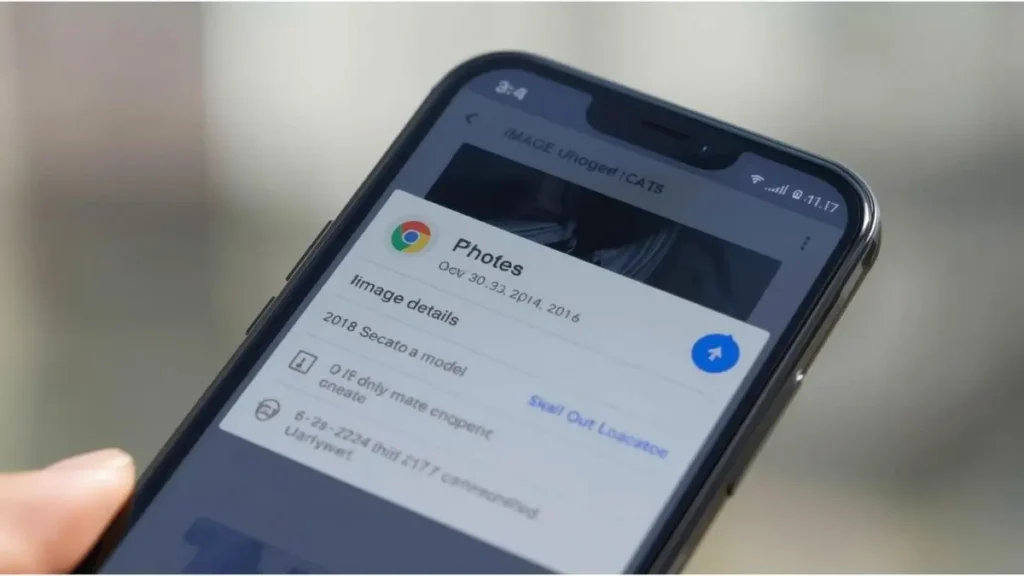
Method 1: Using Google Photos
- Open the Google Photos app
- Select an image
- Swipe up or tap the three-dot menu
- View the photo details
If location is stored, a small map preview may appear.
Method 2: Using Gallery App (Varies by Device)
Many Android devices include a built-in gallery:
- Open the image
- Tap Details or Info
- Review file information
Some versions allow editing or removing location directly from this screen.
How to Remove Location Data from a Single Photo (Built-In Method)
Most modern Android devices allow removal of location data without third-party apps.
Option 1: Remove Location in Google Photos
- Open Google Photos
- Select the image
- Tap the three dots
- Tap the location section
- Choose “Remove” or edit location
This removes GPS coordinates from that specific image.
Option 2: Remove Location in Samsung Gallery
- Open the image
- Tap the three-dot menu
- Select Edit location information
- Remove the location
The steps may vary slightly depending on the manufacturer.
This method works best for individual photos.
How to Remove EXIF Data Using Third-Party Apps
If you want to remove all metadata — not just location — you may consider using metadata cleaner apps available in the Google Play Store.
Common features include:
- Batch removal
- Removal of camera information
- Removal of timestamps
- Clean copy export
Before installing any app, review:
- Developer credibility
- App permissions
- User reviews
- Privacy policy
If you are looking for desktop alternatives for bulk editing, you may find our guide on Best Free Tools to Clean EXIF Data from Images (2026) helpful.
How to Remove Metadata Before Sharing
Some Android devices provide a “Remove data before sharing” option.
When you tap Share:
- Look for an option labeled “Remove location data”
- Or “Share without metadata”
This feature allows you to send a clean copy while keeping the original file intact.
This is a convenient option for quick sharing through messaging apps.
Do Messaging Apps Remove EXIF Automatically?
Different apps handle metadata differently.
For example:
- Some messaging apps compress images and strip most metadata.
- Others may preserve certain fields.
If you use WhatsApp frequently, see our article on Does WhatsApp Remove EXIF Data?
Behavior can change with updates, so it is best to verify rather than assume.
How to Disable Location for Future Photos
Removing metadata from existing photos is helpful. However, prevention is even simpler.
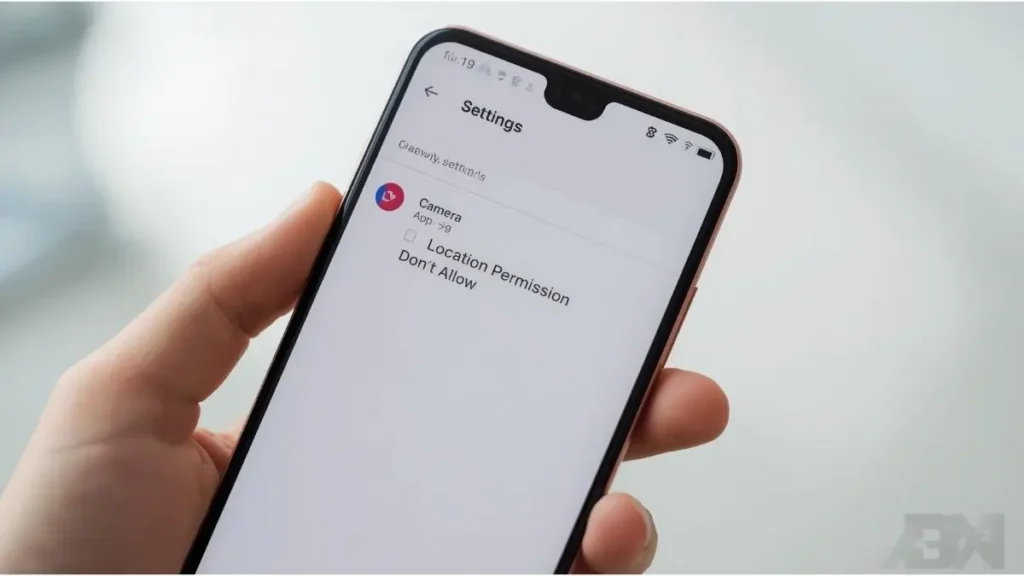
Disable Location Access for Camera App
- Open Settings
- Tap Location
- Select App location permissions
- Find Camera
- Choose “Don’t allow”
After disabling this, new photos will not store GPS coordinates.
You can also review your broader configuration in our Android Photo Safety: Turn Off GPS Tagging in Your Camera App guide.
When Should You Remove EXIF Data?
Not every situation requires metadata removal.
You may consider cleaning metadata when:
- Uploading images to public websites
- Posting family photos online
- Sending professional files
- Sharing sensitive environments
For private storage on your device, metadata often improves organization.
The goal is informed decision-making.
Common Misconceptions About EXIF on Android
Let’s clarify a few common misunderstandings.
“All Metadata Is Dangerous”
Most EXIF fields are technical and harmless. The concern typically centers around location data.
“Deleting a Photo Removes It Everywhere”
Once shared, recipients may keep copies. Removing metadata beforehand is more effective than trying to control it later.
“Turning Off GPS Removes All Metadata”
Disabling location prevents GPS tagging, but other metadata like camera model and timestamps will still be stored.
Metadata and Your Digital Footprint
Every digital action leaves traces. Photos are no exception.
EXIF data contributes to your digital footprint by attaching contextual details to images.
Learning how to review and manage metadata is part of responsible digital use. It does not require advanced technical skills — only awareness.
Building Better Android Privacy Habits
You don’t need complex tools to improve privacy.
Simple habits include:
- Reviewing photo details before posting
- Disabling unnecessary permissions
- Removing location from family photos
- Keeping Android updated
- Using secure sharing settings
Small steps create meaningful improvements over time.
Android vs iPhone: Is There a Difference?
Both systems store EXIF data by default.
However:
- Menu layouts differ
- Built-in editing options vary
- Sharing behavior may not be identical
If you also use Apple devices, you may want to read How to Remove EXIF Data on iPhone for comparison.
Understanding both ecosystems strengthens your overall digital literacy.
Final Thoughts
EXIF data is a normal and useful part of digital photography. It helps devices organize files and supports editing software. However, some fields — especially GPS location — deserve attention before public sharing.
Learning how to remove EXIF data on Android gives you greater control over what information accompanies your photos.
The process is straightforward:
- Check photo details
- Remove location if needed
- Disable GPS tagging for future images
- Use metadata cleaner apps when necessary
These steps take only minutes, yet they contribute to stronger digital awareness.
The next time you prepare to share a photo, take a moment to review its details. Understanding what your files contain is one of the simplest ways to stay informed in today’s connected world.

Igor Greco is the founder of GrecO Metadados and has spent the last several years researching how hidden file data — metadata — exposes personal information that most people never intended to share.
His interest in metadata privacy started with a frustrating realization: a photo he shared online still carried the exact GPS coordinates of where it was taken. That moment led him to dig deeper into EXIF data, document properties, and how everyday apps handle the information attached to your files — often without telling you.
Since then, Igor has tested dozens of metadata removal tools across Android, iPhone, Windows, and Mac, and written guides focused on three groups he cares most about: parents sharing photos of their kids, freelancers sending documents to clients, and everyday users who simply want more control over their digital footprint.
Privacy, in his view, isn’t about hiding. It’s about deciding — on your own terms — what information travels with your files.