

Introduction
You snap a photo, send it on WhatsApp, and move on with your day. But have you ever wondered what else travels with that image besides pixels and memories? Hidden inside many smartphone photos is GPS metadata, quietly recording where the picture was taken. For privacy conscious users, that detail can raise serious concerns.
In today’s digital environment, messaging apps are used for everything from casual conversations to professional document sharing. Understanding how location data behaves when you send images is not just technical curiosity. It is a matter of personal security, digital hygiene, and informed communication.
This article explores whether WhatsApp removes GPS metadata from photos, how the process works behind the scenes, and what risks still remain. You will also learn practical steps to protect your location privacy when sharing images. By the end, you will know exactly what happens to your photo metadata and how to stay in control.
What Is GPS Metadata in Photos?
Before discussing WhatsApp specifically, it is important to understand what GPS metadata actually is.
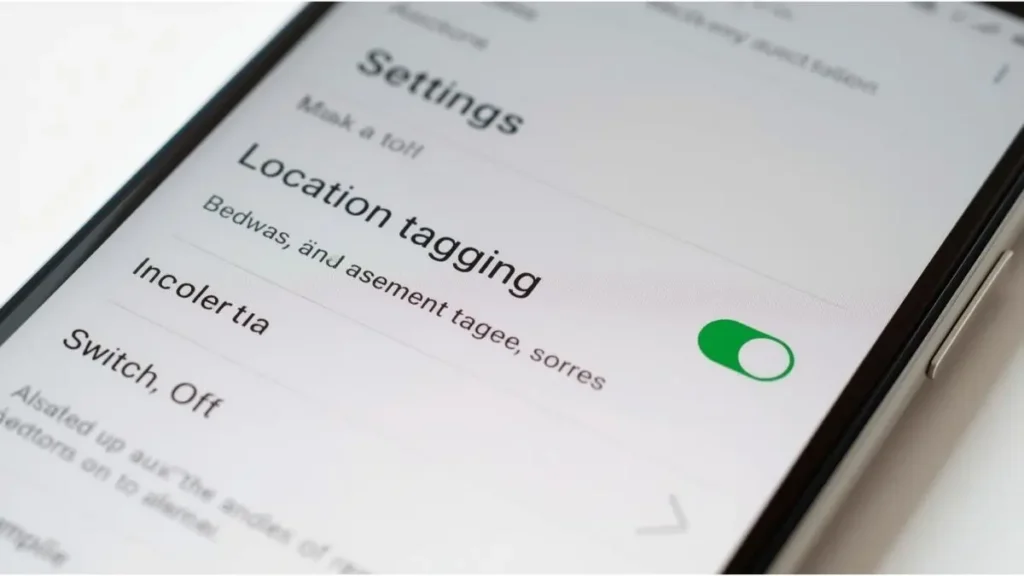
When you take a photo with most smartphones, the camera app can embed hidden information into the file. This data is stored using a format called EXIF, short for Exchangeable Image File Format. It may include:
- Date and time the photo was taken
- Camera model and settings
- Exposure information
- GPS latitude and longitude coordinates
Those GPS coordinates can pinpoint the exact location where the image was captured. In some cases, they can even reveal your home address, workplace, or frequently visited places.
This metadata is not visible when you simply view the image. However, anyone who downloads the original file can inspect it using built in operating system tools or metadata viewer applications.
For everyday users, this hidden data may seem harmless. However, in professional or public contexts, it can unintentionally expose sensitive location information.
Understanding how this data works is the first step toward protecting your privacy.
How WhatsApp Handles Photo Metadata
Now to the main question: does WhatsApp strip GPS location from photos?
In most common situations, yes. When you send a photo using the regular image sharing option inside WhatsApp, the app compresses the image before delivering it. During this compression process, most EXIF metadata, including GPS coordinates, is removed.
This compression is primarily designed to reduce file size and speed up delivery. As a result, the photo received is typically a modified version without embedded location data.
However, there is an important exception that many users overlook.
The “Document” Method Changes Everything
WhatsApp allows users to send files as “Documents” instead of standard images. When you attach a photo using this method, the app does not compress or modify the file. The original version is delivered intact.
That means:
- GPS metadata remains embedded
- Camera information stays available
- Timestamp data remains unchanged
If someone sends a photo as a document, the recipient can potentially extract full GPS location data from it.
This distinction is critical. The privacy outcome depends entirely on how the image is shared.
Why This Matters for Personal Privacy
At first glance, this may seem like a small technical detail. In reality, it can have serious implications.
Imagine sending a photo of your new home to someone you recently met online. If the image includes GPS coordinates and is sent as a document, that person could determine your exact address.
For freelancers, journalists, consultants, and remote professionals, the stakes can be even higher. Accidentally revealing client locations or project sites could create reputational or contractual risks.
Location metadata can also reveal behavioral patterns. Multiple photos taken from the same place over time can establish routines and frequently visited locations.
Understanding how WhatsApp processes metadata allows you to make informed decisions rather than relying on assumptions.
Does WhatsApp Officially Confirm Metadata Removal?
WhatsApp does not prominently advertise its metadata handling process in public facing documentation. However, independent testing consistently shows that standard image sharing removes most EXIF metadata.
That said, digital platforms evolve. Features change. Compression methods update. Relying solely on default behavior is never a complete privacy strategy.
It is always safer to manage metadata at the source.
How to Check If a Photo Contains GPS Data
If you want certainty, you can inspect metadata yourself.
On Windows
- Right click the image
- Select Properties
- Open the Details tab
- Look for GPS or Location fields
On macOS
- Open the image in Preview
- Click Tools
- Select Show Inspector
- Review the GPS section
On Android
- Open the image in Google Photos
- Swipe up
- Check location information
On iPhone
- Open the photo in Photos
- Swipe up
- Review map details
If coordinates are present, the file contains GPS metadata.
How to Prevent GPS Tagging at the Source
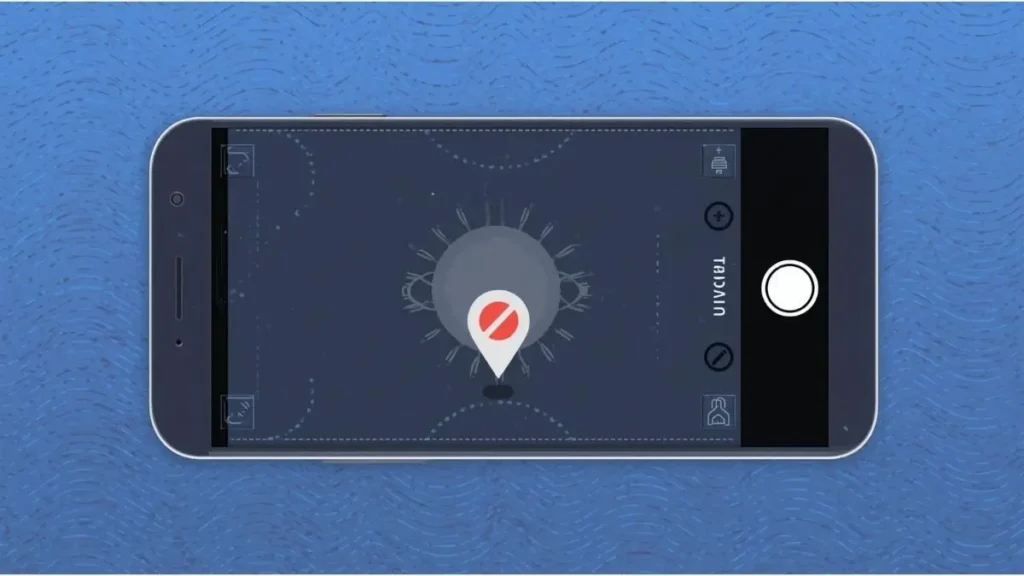
Rather than depending on messaging apps to remove metadata, you can disable location tagging directly in your camera settings.
On Android
- Open the Camera app
- Go to Settings
- Locate Location tags or Save location
- Turn it off
On iPhone
- Open Settings
- Tap Privacy and Security
- Select Location Services
- Tap Camera
- Choose Never
Once disabled, new photos will no longer include GPS coordinates.
This is the most reliable long term privacy solution.
Taking control at the source eliminates uncertainty later.
When WhatsApp Location Sharing Is Different
It is important not to confuse photo metadata with WhatsApp’s live location feature.
When you intentionally share your location through WhatsApp, you are sending real time GPS coordinates directly inside the app. This is separate from photo metadata and requires deliberate action.
The key difference is awareness. Photo metadata may be shared unintentionally. Live location sharing is explicit.
Understanding this distinction prevents confusion about how your data travels.
Professional Use Cases and Risks
For professionals who frequently exchange files, metadata awareness is essential.
Consider scenarios such as:
- A real estate agent sharing property photos
- A journalist sending field documentation
- A consultant documenting project sites
- A designer sharing workspace images
If original photos are sent as documents, embedded GPS data could expose sensitive client locations.
In regulated industries, indirect disclosure can create compliance concerns. While WhatsApp is convenient, it is not a dedicated secure document management system.
For sensitive communication, manually removing metadata before sending files is a safer approach.
How to Remove Metadata Manually
If you prefer full control, you can strip metadata yourself.
On Windows
- Right click the file
- Select Properties
- Go to Details
- Click Remove Properties and Personal Information
On macOS
- Open the image in Preview
- Export it
- Remove location data if available
There are also specialized metadata removal tools designed for batch processing, useful for professionals who share large volumes of files.
Spending a few extra moments reviewing metadata can significantly reduce exposure risks.
Common Myths About WhatsApp and Photo Privacy
Let us clarify a few misconceptions.
Myth 1: WhatsApp always removes all metadata.
Not entirely true. It depends on how the image is sent.
Myth 2: End to end encryption removes GPS data.
Encryption protects data during transmission. It does not delete metadata embedded in files.
Myth 3: Only businesses need to worry about metadata.
Anyone sharing personal photos can unintentionally expose location details.
Understanding these nuances builds stronger digital hygiene habits.
Digital Hygiene in 2026 and Beyond
Privacy awareness continues to grow. Modern smartphones capture rich metadata automatically. At the same time, digital profiling techniques are becoming more advanced.
Good digital hygiene now includes:
- Reviewing app permissions
- Disabling unnecessary location access
- Checking metadata before sharing files
- Understanding how messaging platforms process data
WhatsApp may remove GPS metadata during standard image sharing, but relying solely on default settings is not enough.
Quick Summary
Here is the simplified answer:
- Sending photos normally through chat usually removes GPS metadata
- Sending photos as documents keeps original GPS data intact
- Disabling camera location tagging prevents metadata from being added
Your privacy outcome depends on your choices.
Final Thoughts
So, does WhatsApp strip GPS location from photos? In most everyday cases, yes. However, the answer is not absolute. The method used to send the file determines whether metadata remains or disappears.
Location metadata may be invisible, but its implications are real. In a world where digital footprints matter, small privacy habits make a meaningful difference.
Disable GPS tagging if you do not need it. Review metadata before sharing professional files. Avoid sending sensitive images as documents without checking the file first.
Digital privacy is not about fear. It is about awareness and consistent smart habits.
Now that you understand how WhatsApp handles photo metadata, how will you adjust your sharing practices moving forward?

Igor Greco is the founder of GrecO Metadados and has spent the last several years researching how hidden file data — metadata — exposes personal information that most people never intended to share.
His interest in metadata privacy started with a frustrating realization: a photo he shared online still carried the exact GPS coordinates of where it was taken. That moment led him to dig deeper into EXIF data, document properties, and how everyday apps handle the information attached to your files — often without telling you.
Since then, Igor has tested dozens of metadata removal tools across Android, iPhone, Windows, and Mac, and written guides focused on three groups he cares most about: parents sharing photos of their kids, freelancers sending documents to clients, and everyday users who simply want more control over their digital footprint.
Privacy, in his view, isn’t about hiding. It’s about deciding — on your own terms — what information travels with your files.